Sebio: Tactile Pain Cube — 3D Modeling, UI/UX, Branding
Currently being tested
Software used: Blender, Figma, Adobe Illustrator, Adobe Photoshop
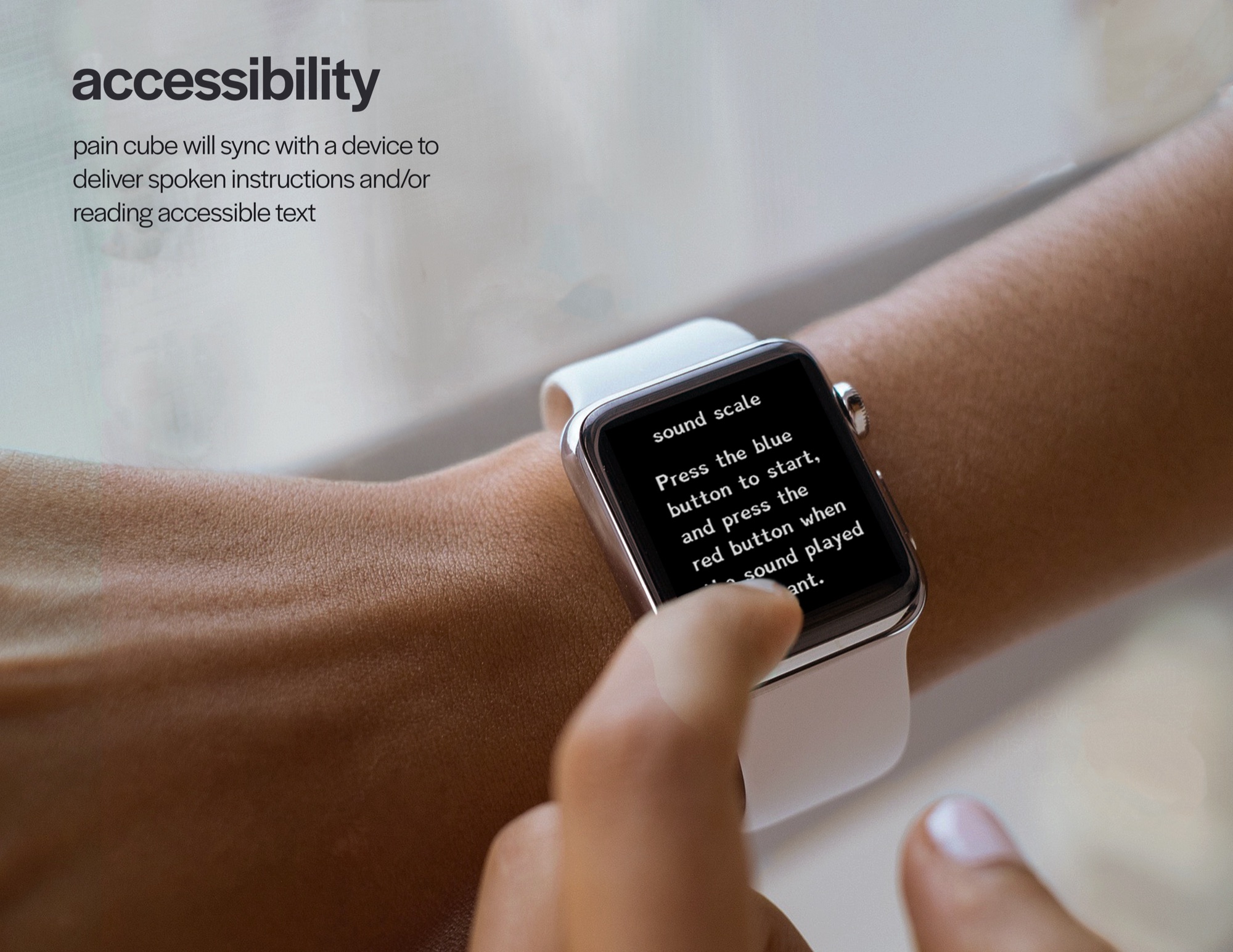
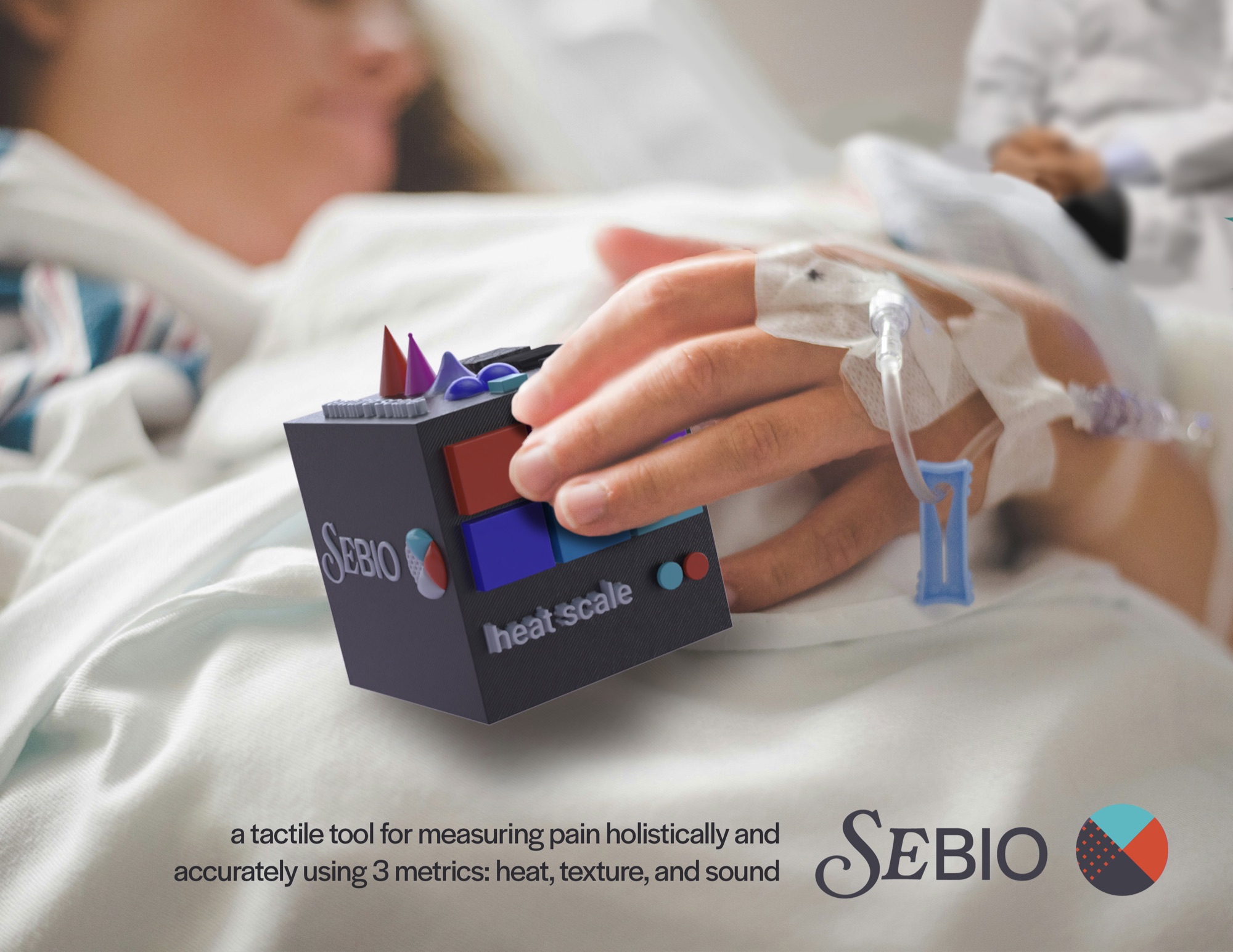
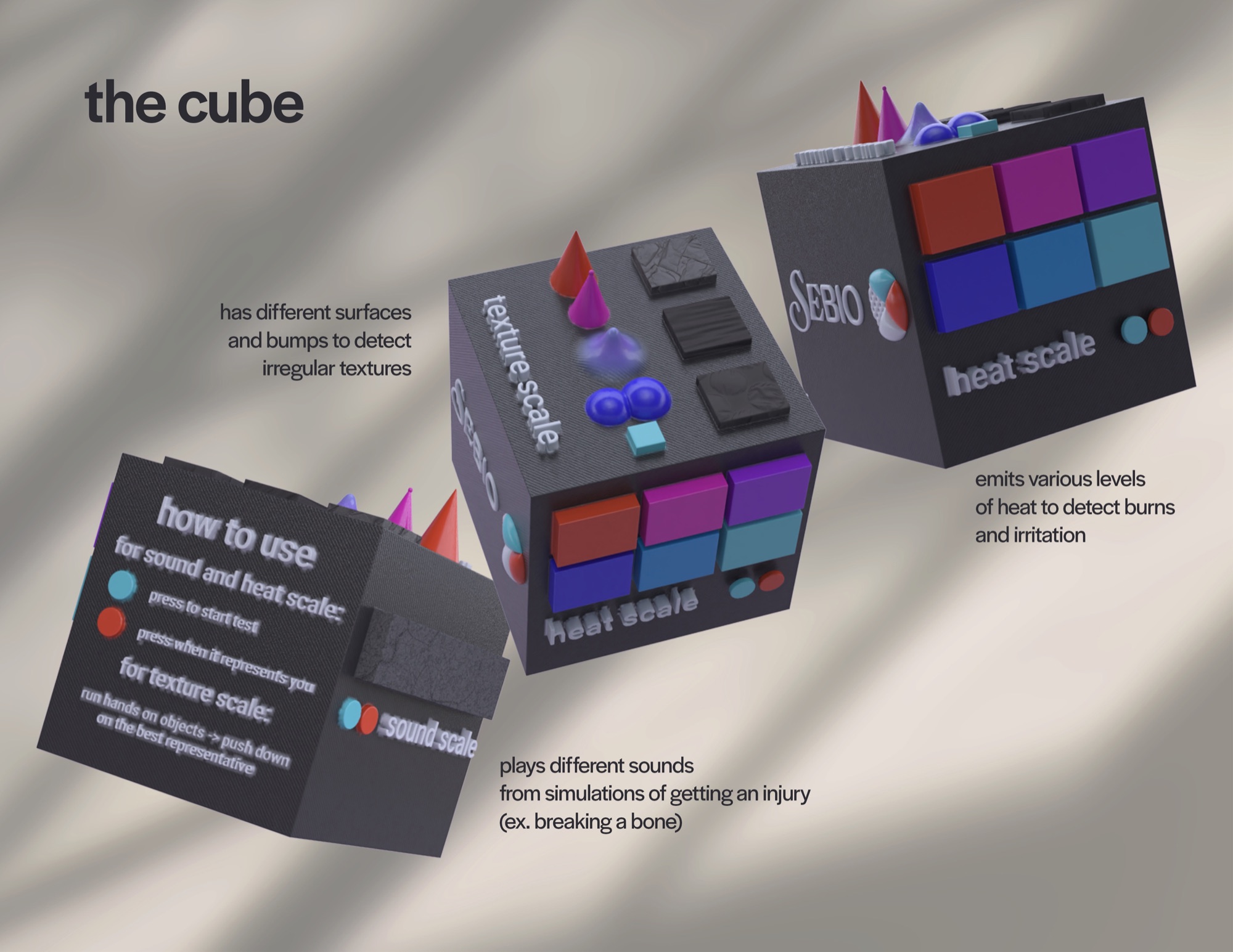
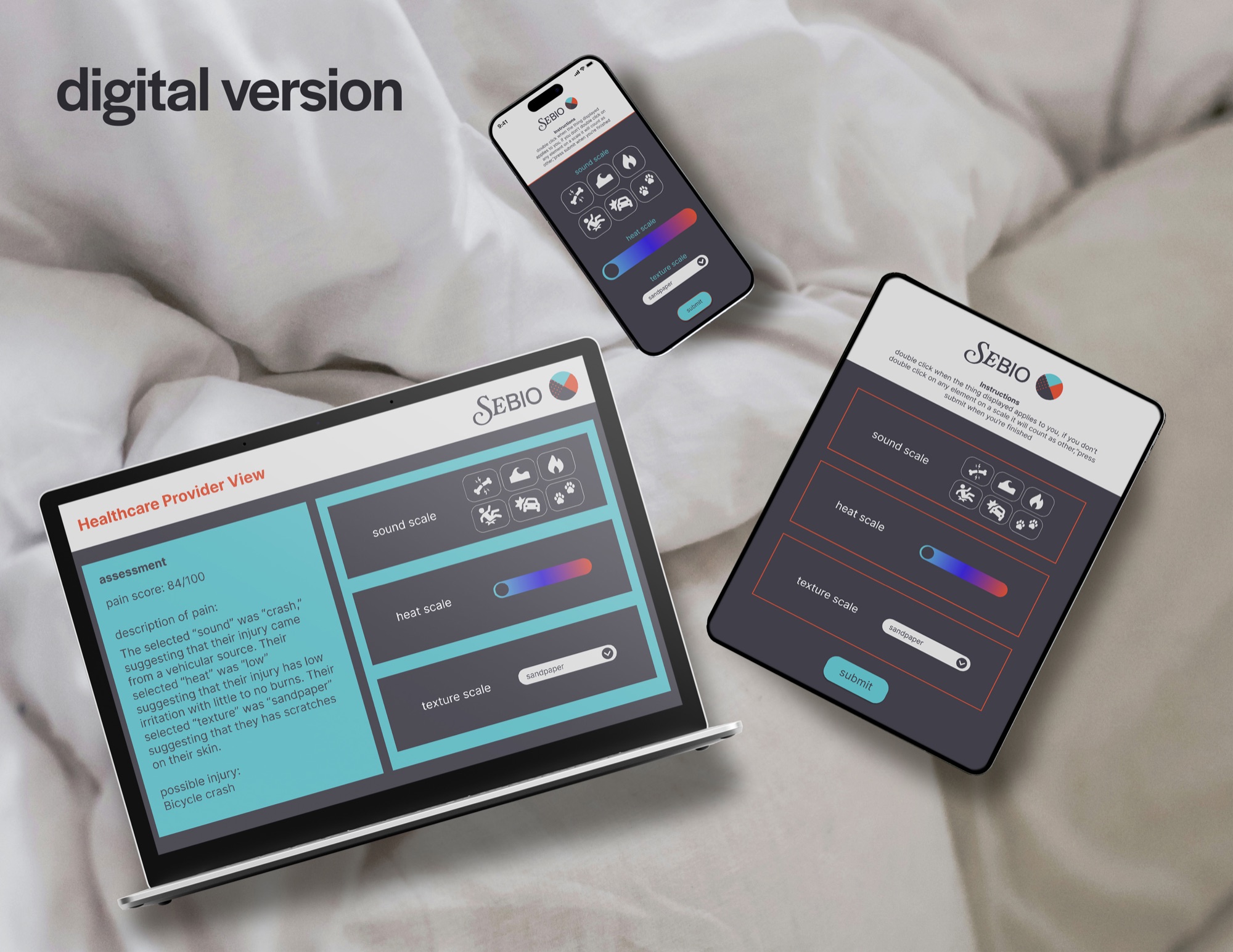
Sebio is a name for a series of projects I am working on, all with the goal of bringing more accessibility to health. This project features a tactile tool for measuring pain through three metrics heat (irritation, burning, stinging), texture, and sound (cause/event of injury). This tool is mainly used to help with communication between physicians and patients that might not have the ability to properly express their pain, mainly the elderly, children, and mentally incapacitated.
Process
Ideation
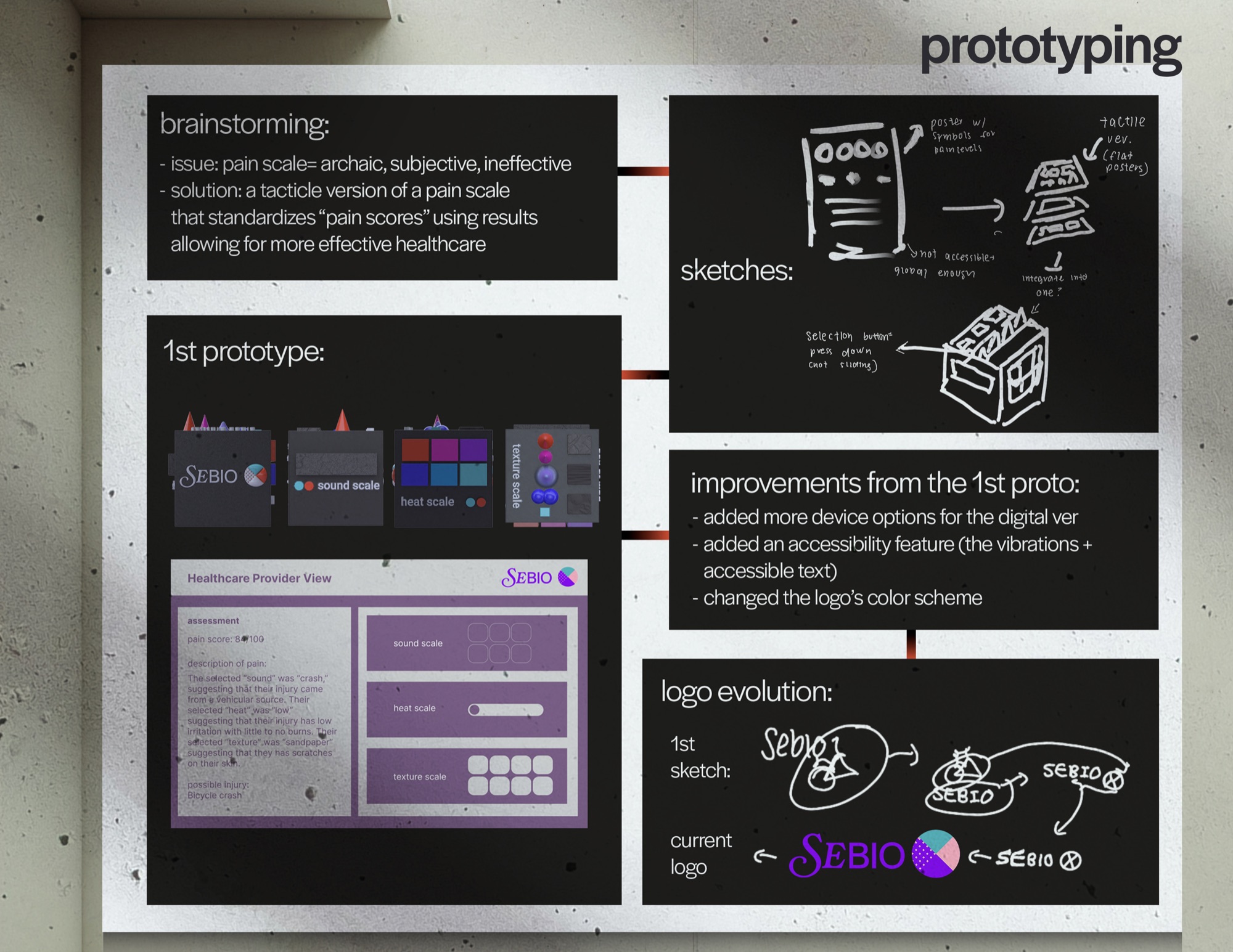
While shadowing an ER doctor, I saw first-hand how difficult it was for certain groups of people to accurately describe their pain to doctors, considering that age, gender, and culture could affect perceptions of pain and therefore lead to differing answers about the same kind of pain. In order to help standardize pain to help with patient communication, I decided to create a tactile product as sensation is more universal than just words.
User Research
I developed the 3 tactile portions of the pain cube based on interviews with ER physicians and patients where I asked what their definition of pain was, and then compiling all of their responses and writing down their most common key words.
User Testing
I gave a 3D printed model of the pain cube to ER physicians and asked them to tell me what features they thought were missing. They all told me that the Pain Cube needed a physician dashboard that would receive the data of the cube. After finalizing an MVP, I decided to use a volunteer network to help test out the product with consenting patients at ER clinics.